

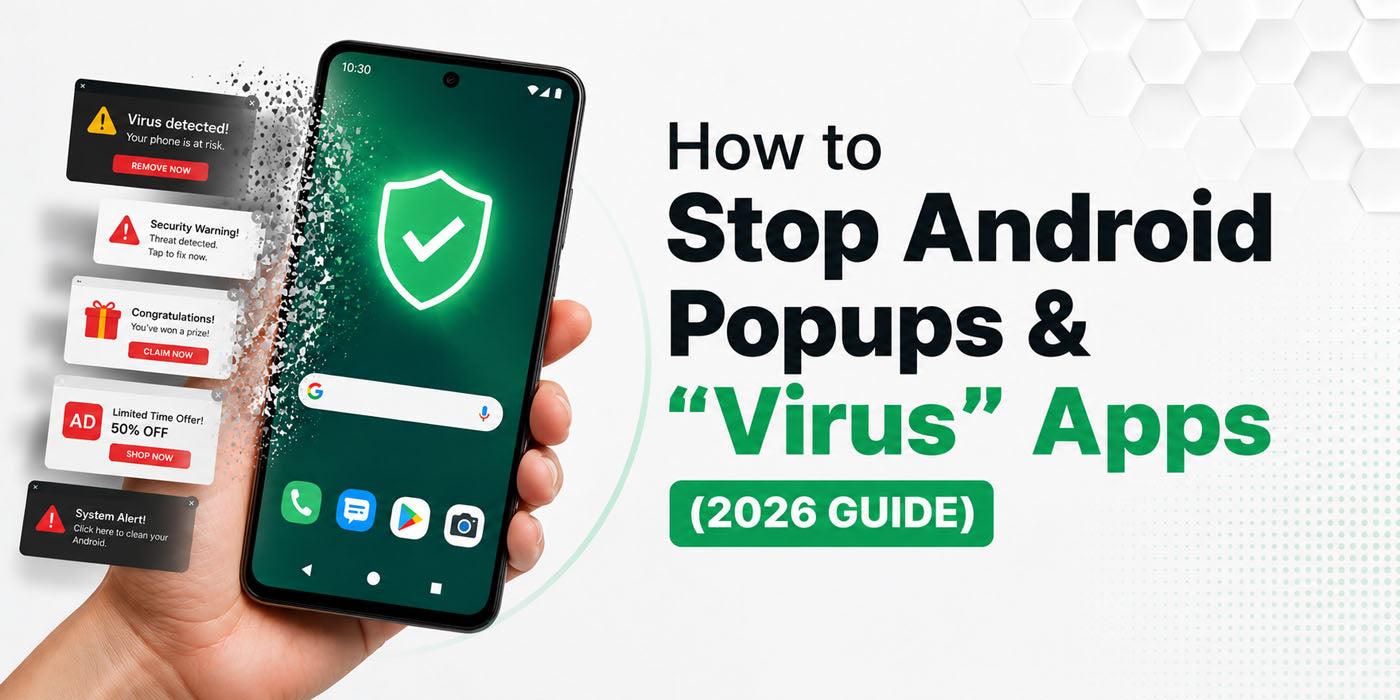
You open your phone to check a message and a full-screen ad appears. Maybe it is a fake “Your phone is infected” alert or a random casino promotion. It is annoying and in some cases risky. Android malware and adware in 2026 often hide inside “free” apps, sideloaded APK files, or fake versions of popular apps.
The good news is that you can remove most popups and bad apps with a few simple steps, then make it much harder for them to come back.
Step 1: Find and uninstall the bad app
Most random popups come from one app that you installed recently. It is often disguised as a cleaner, booster, system updater, or video player.
Open Settings, then Apps or App Manager, and scroll through the list. Look for anything you do not recognise, never use, or do not remember installing. Be extra careful with generic names like “System Update”, “Optimizer”, “Cleaner”, or anything that looks like a clone of a real app.
If the Uninstall button is greyed out, the app may have device admin rights. Go to Settings, then Security, then Device admin apps. Turn off admin access for that suspicious app, then go back to Apps and uninstall it.
If your phone is going crazy with popups, restart it in Safe mode first so third-party apps are disabled, then remove the culprit from there.
Step 2: Fix Chrome and notifications
Sometimes the problem is not a virus, it is aggressive website notifications or bad browser permissions.
In Chrome, open Settings, then Site settings, then Notifications. Turn notifications off completely or disable them for any site that looks unfamiliar or dodgy.
While you are there, make sure Pop-ups and redirects are blocked and any setting that protects against intrusive ads is enabled.
If Chrome is still acting strange, go to Android Settings, then Apps, then Chrome, then Storage, and clear cache and data.
Step 3: Scan for malware and tighten security
Next, run a proper security check. Open the Google Play Store, tap your profile picture, then Play Protect, and run a scan. This checks your installed apps against Google’s list of known harmful software.
You can also use a well-known mobile security app from the Play Store to scan for adware and other threats.
To stay clean in the long run, install apps only from the Google Play Store, avoid pirated or “modded” apps, keep Android and your apps updated, and be careful with permissions. If a simple app wants access to SMS, contacts, or accessibility when it does not need it, that is a massive red flag.
Step 4: Turn on AdGuard Private DNS
Once you remove the worst offenders, you can reduce future popups by blocking many ad and tracking domains at the DNS level. Android has a Private DNS setting that can use a provider such as AdGuard, which filters many ad and tracking requests for the whole device.
On most phones, go to Settings, then Network and Internet or Connections, then More connection settings or Advanced, then Private DNS. Choose “Private DNS provider hostname”. Enter a hostname such as dns.adguard.com or dns.adguard-dns.com, then save.
This can cut a lot of popups and banner ads in browsers and many apps. It will not block every ad (for example, some in-app or video ads), and on some public Wi-Fi networks you may need to switch Private DNS back to Automatic if certain sites do not load.
Step 5: Use factory reset as the last resort
If your phone is still full of popups after uninstalling apps, cleaning Chrome, scanning, and using Private DNS, the system may be badly compromised. At that point, back up your important data and perform a factory reset to return the phone to a clean state.
After the reset, reinstall apps slowly and only from trusted sources so you do not bring the same problem back. Follow these steps once, treat new apps with caution, and those “your phone is infected” messages will disappear and stay gone.
🛡️ Get Rid of Android Popups and Viruses
Still getting strange popups or think your Android is infected? Visit iCellMobile in Sydney or contact us online for a fast, honest device check and malware clean up. We specialise in Android phones and refurbished devices, and we focus on safe data, proper diagnostics, and real solutions, whether that means a clean up, a repair, or an upgrade that actually makes sense for you. Book a free diagnosis today.

